Menus & Catalogues · Ordering · Self-Checkout · Screens · Orders Hub · Websites
Serve faster. Sell more. Run it yourself.
Digital menus and catalogues, ordering and self-checkout - live in a day. Run it standalone, or sync with your EposNow till for live stock and kitchen-fire.



The platform
One platform, seven products
Start with the one you need - each works on its own. They share one menu, one admin and one orders pipeline, so adding the next takes minutes, not a migration.
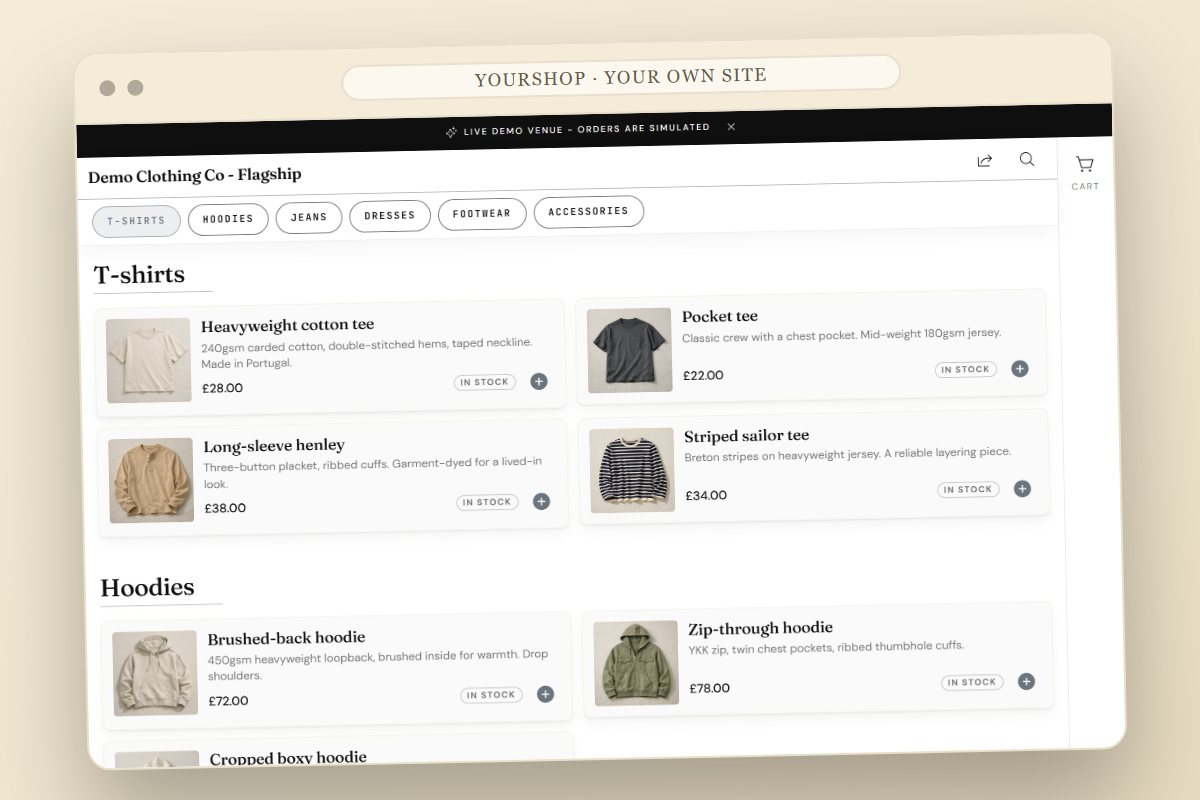
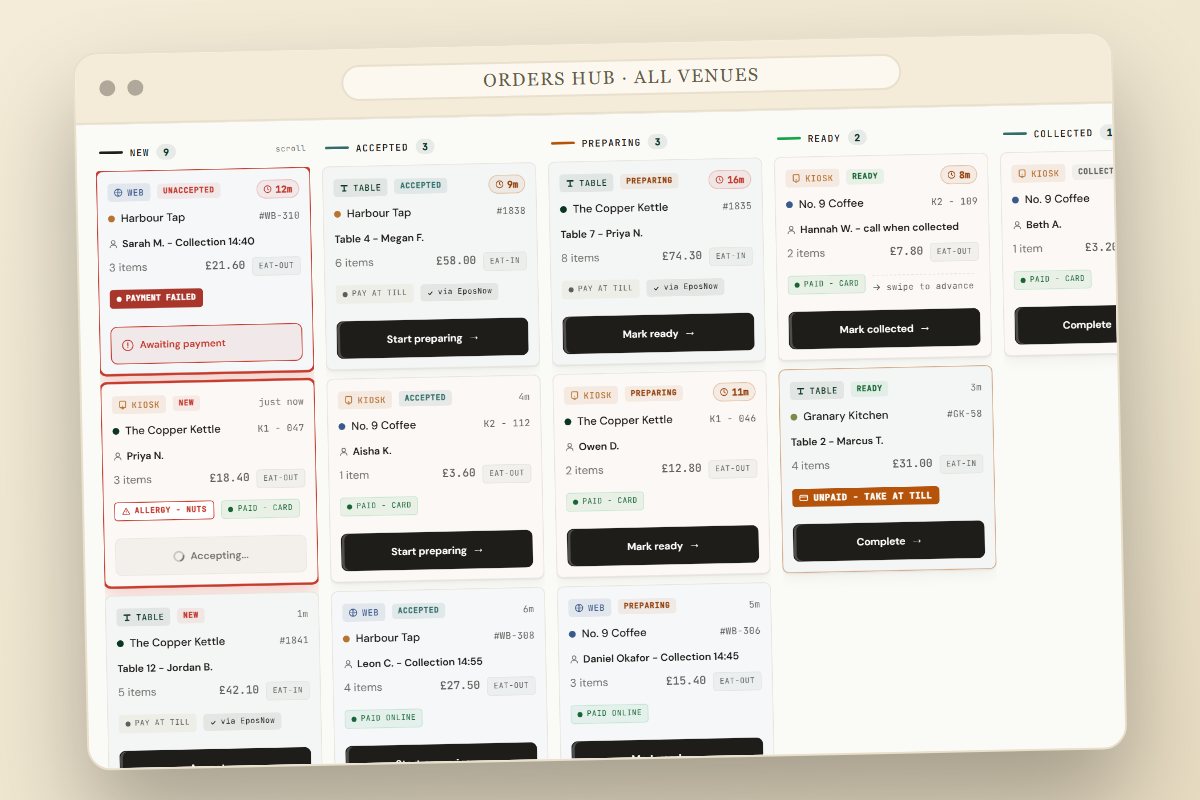
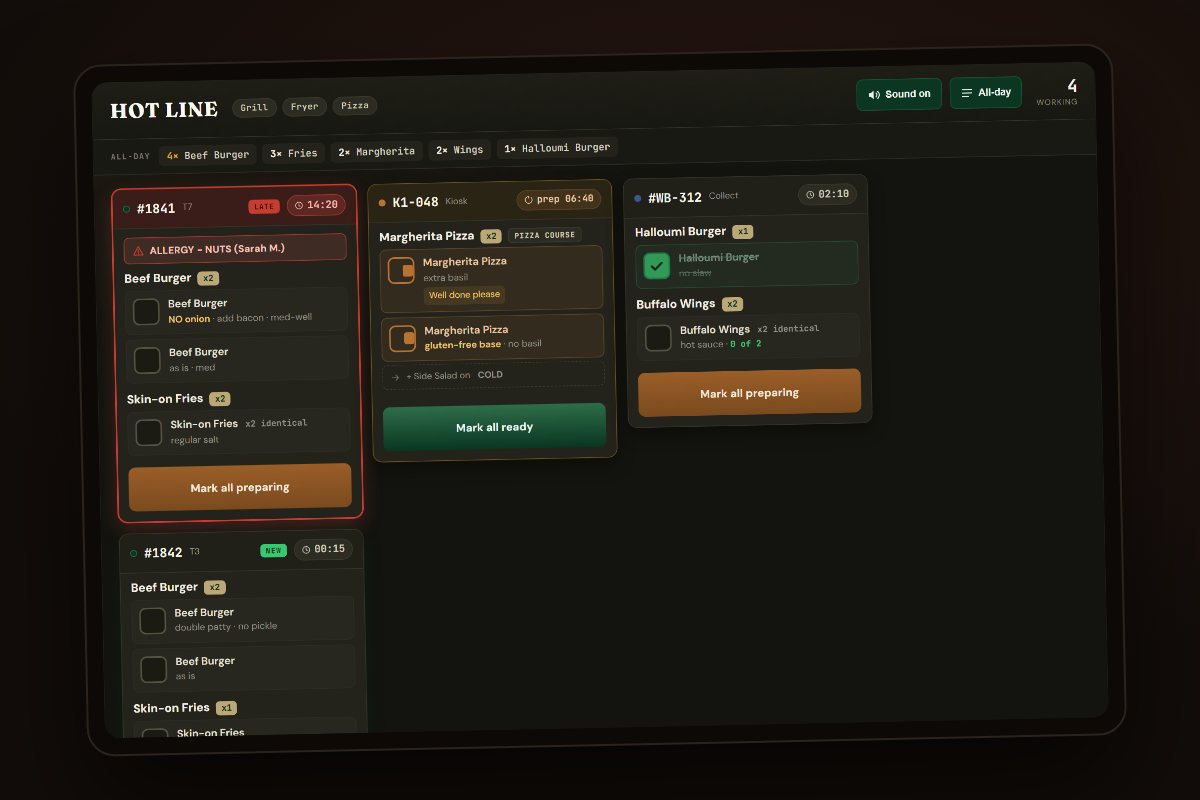
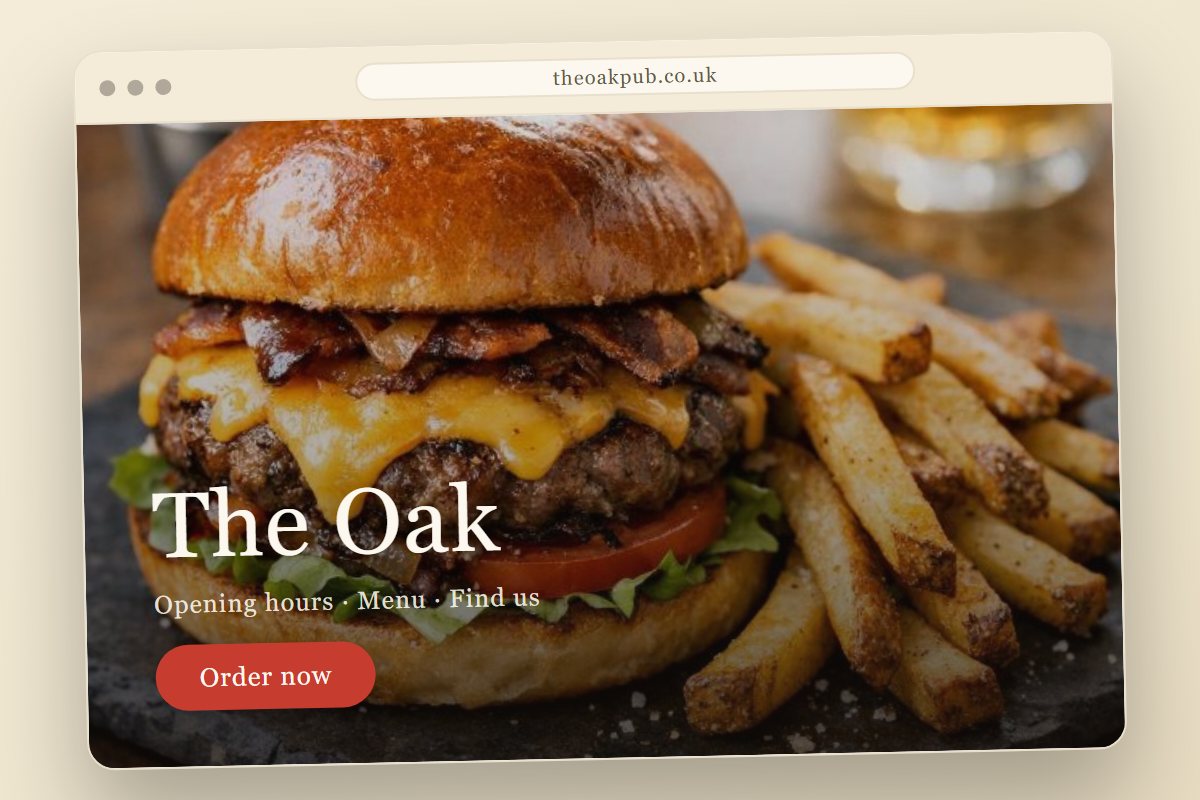
See the real thing
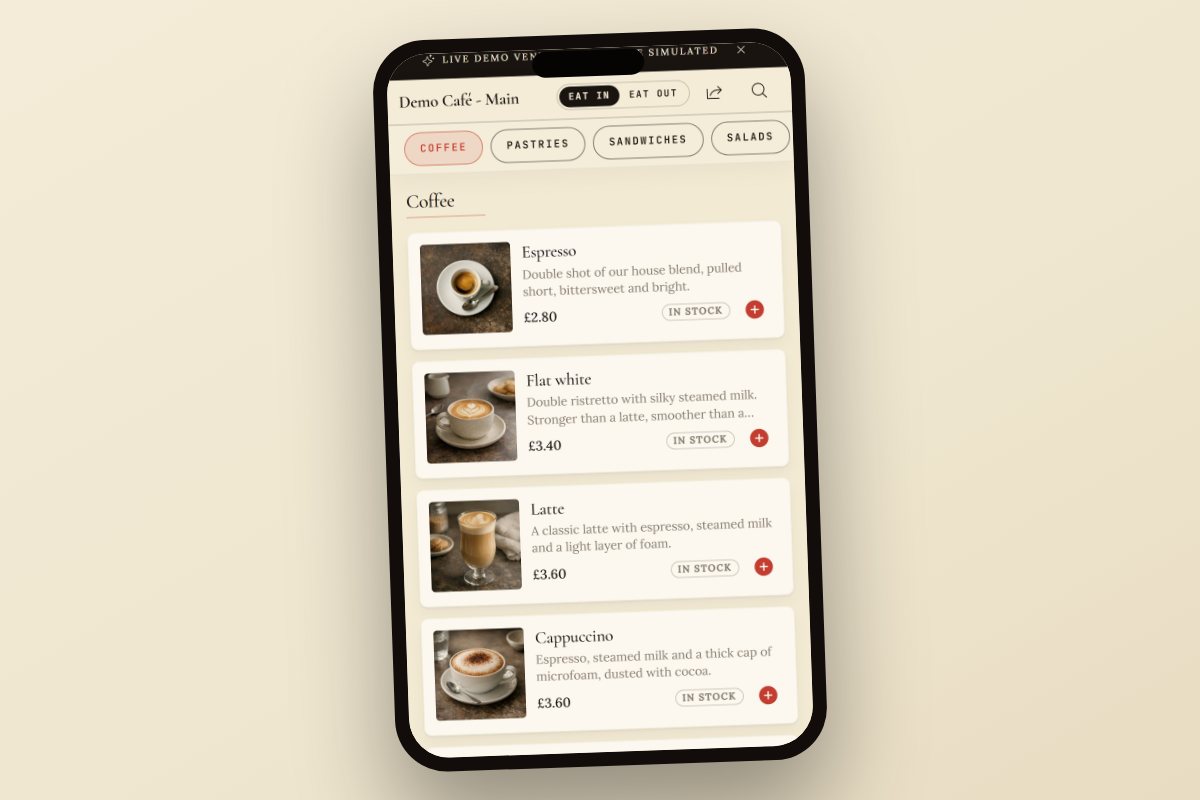
A menu your customers actually want to use
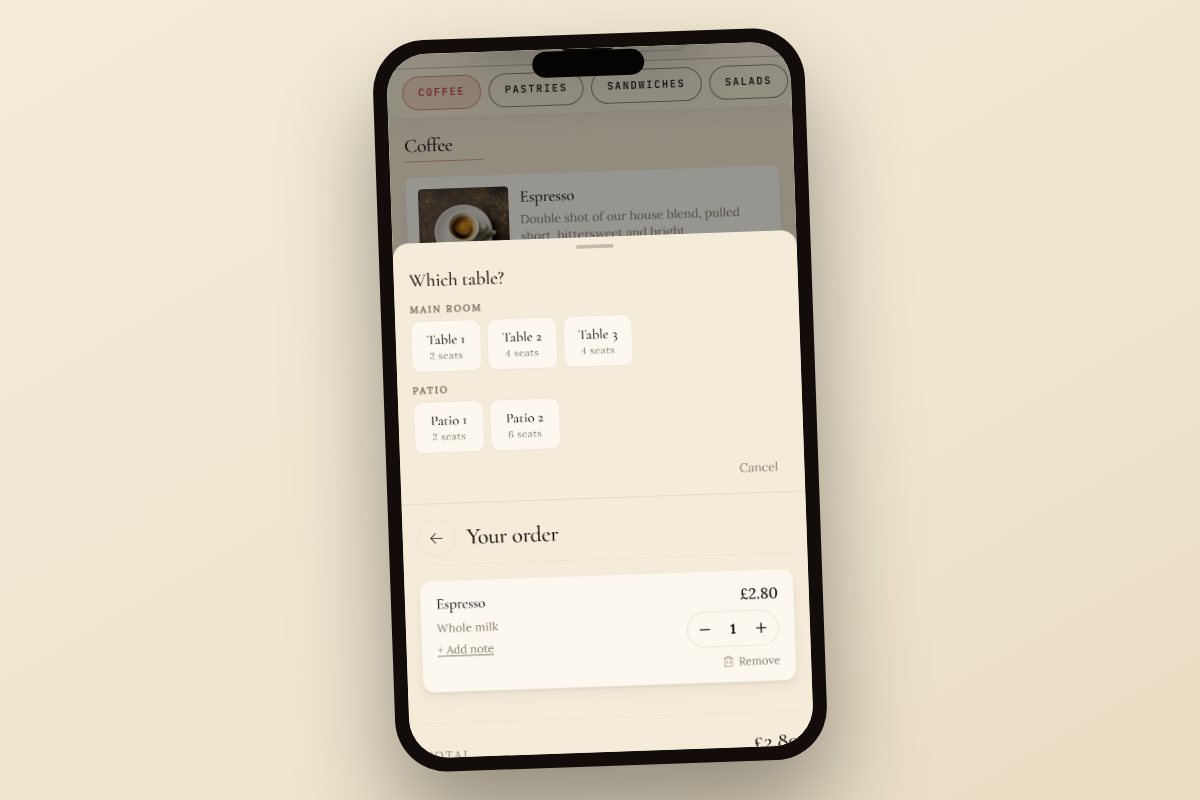
Image-led product cards, live categories, tap to view - this is the customer's view. Try it: open a card and add it.
Change a price once - live on every screen. (sample)
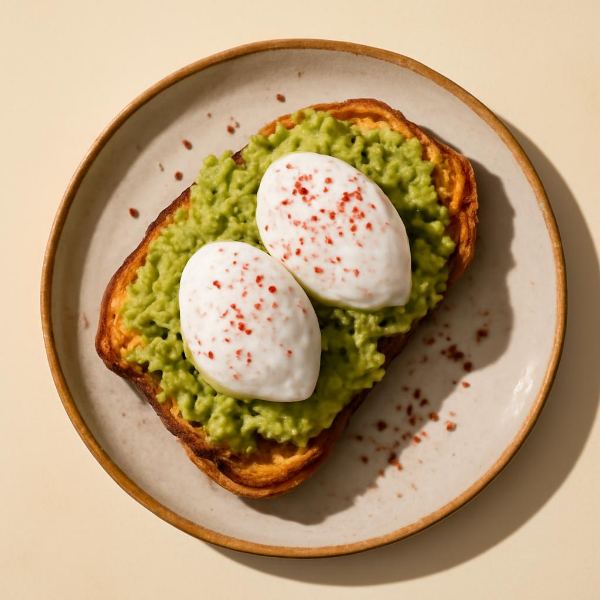
No photographer? AI generates menu-grade photos of your dishes for you - a free allowance, then per image.
Try it yourself
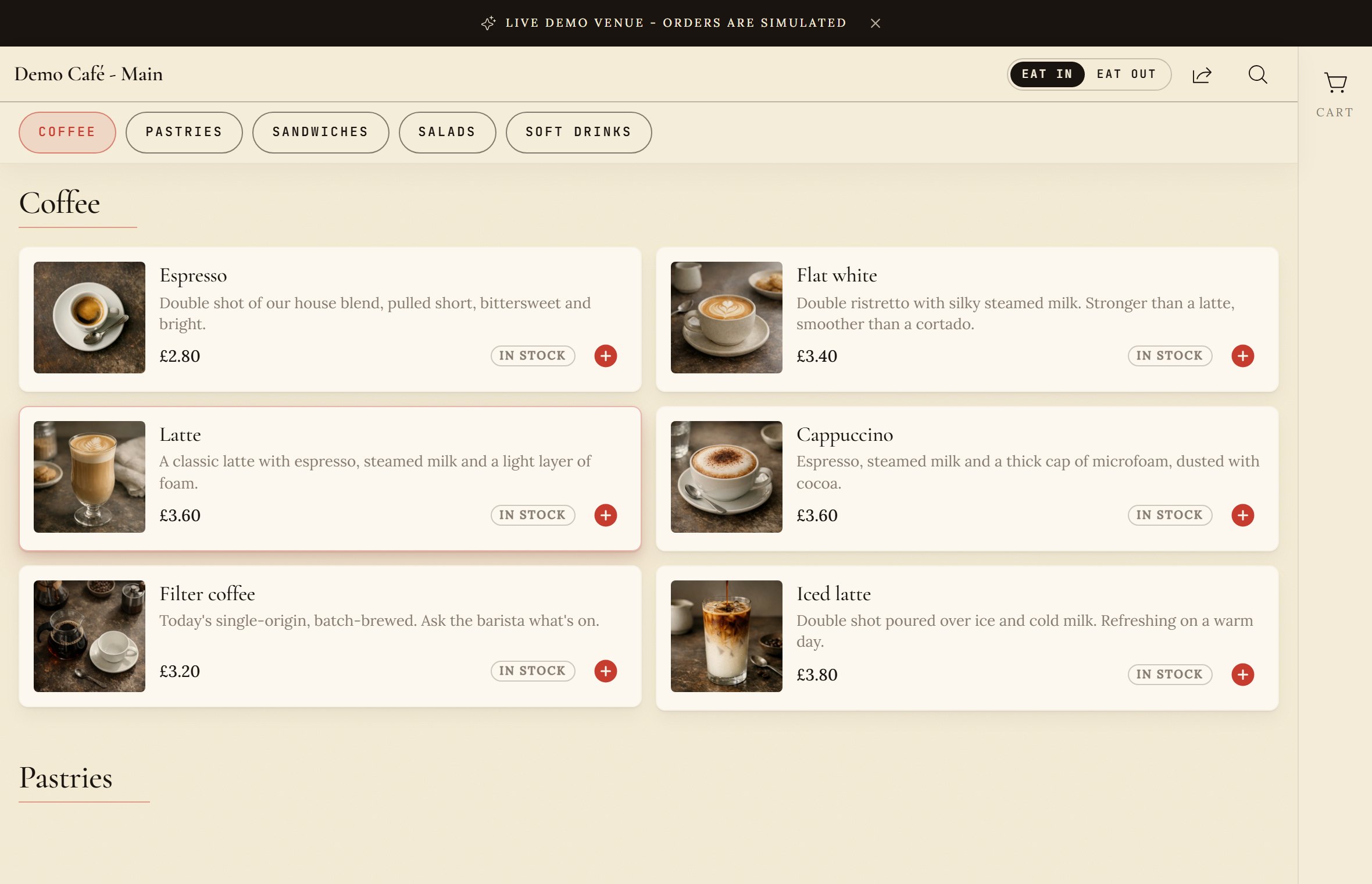
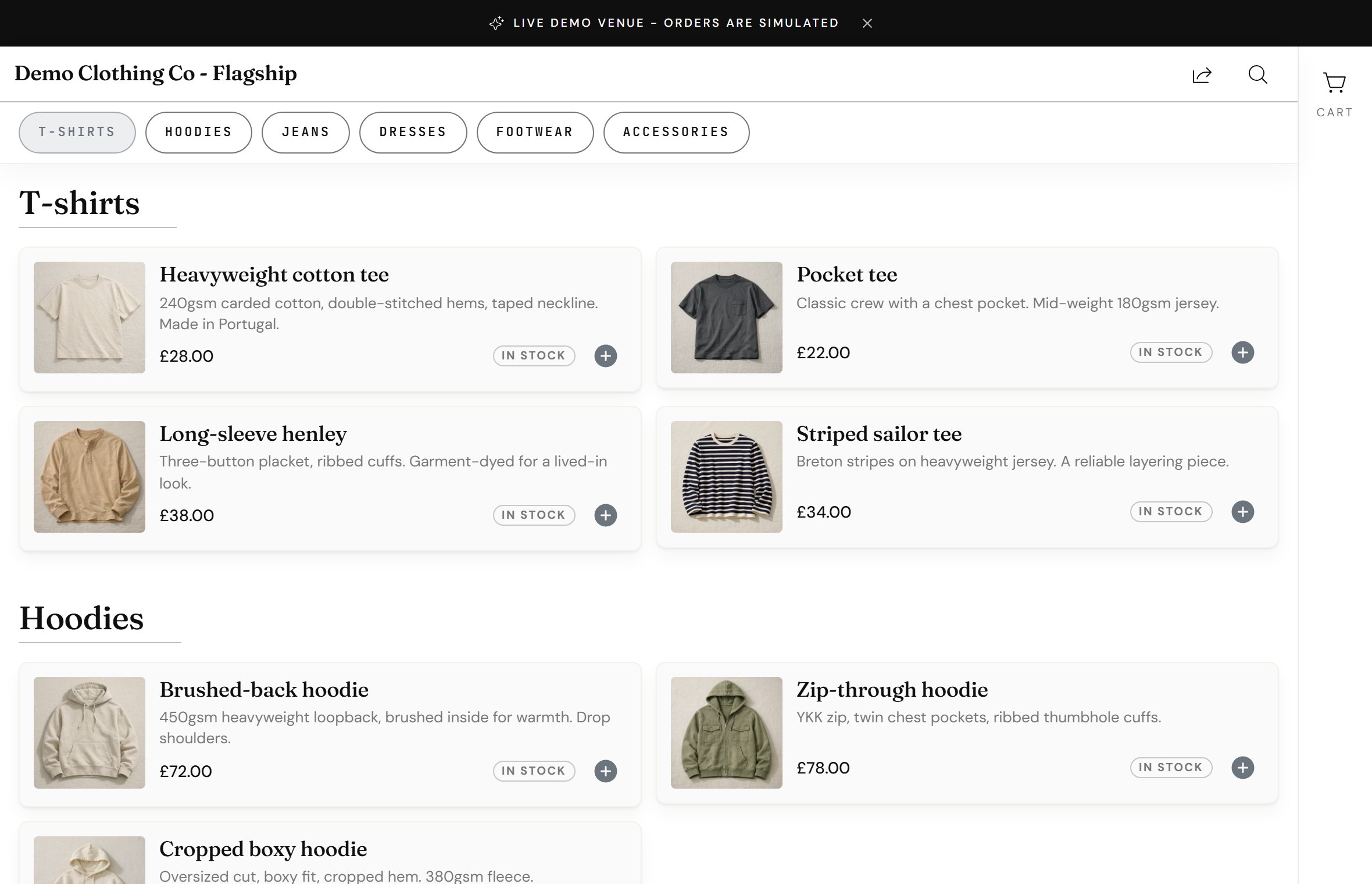
Two live menu demos you can order from
Open either one and order the way a customer would - browse, add to the basket and check out. Orders are simulated, so explore freely. (The self-checkout kiosk shown on this page is an in-store installation, not a link you open.)
The product, behaving
See it in action
Not a slideshow - the real behaviours, driven by you. Mark something sold out, change a price, reskin the menu, or switch service type, and watch every screen follow.
Sell out once - everywhere.
Mark it sold out once - every screen updates in about a second. Never sell what you've run out of.
Auto-demos on a gentle loop until you take over. With reduced-motion on, both screens rest sold-out.
Edit once. Live everywhere.
Good evening, Demo Cafe.
You have 1 venue live.
Change a price or 86 a dish in the back office - it's already on every table and kiosk. No reprints, no reload.
Auto-demos a price change + toggle on a loop until you edit it yourself. Reduced-motion applies edits instantly.
One menu, your brand.
Colours, fonts and density are tokens - not a rebuild. Pick a preset or set your own.
Auto-cycles presets until you choose one, then yields. Reduced-motion applies your choice instantly.

Eat-in vs takeaway, handled.
Hot takeaway is often zero-rated, so prices update automatically by service type - VAT handled for you.
Prices reticket the moment you flip. Reduced-motion swaps them instantly.
Wi-Fi drops? The menu doesn't.
The menu is cached on the device, so customers keep browsing and ordering even when the connection goes.
Auto-demos a drop & reconnect on a loop until you flip the switch. Reduced-motion rests offline with the banner shown.
Run one venue or fifty.
Change a menu once and push it to every site from one account.
Auto-demos a push on a loop until you click it. Reduced-motion shows all sites updated, no ripple.
3 sites updated · just now
How it works
One order, end to end.
Food & drink - scan to kitchen-fire, synced with EposNow.
Scroll to follow the order
Self-checkout
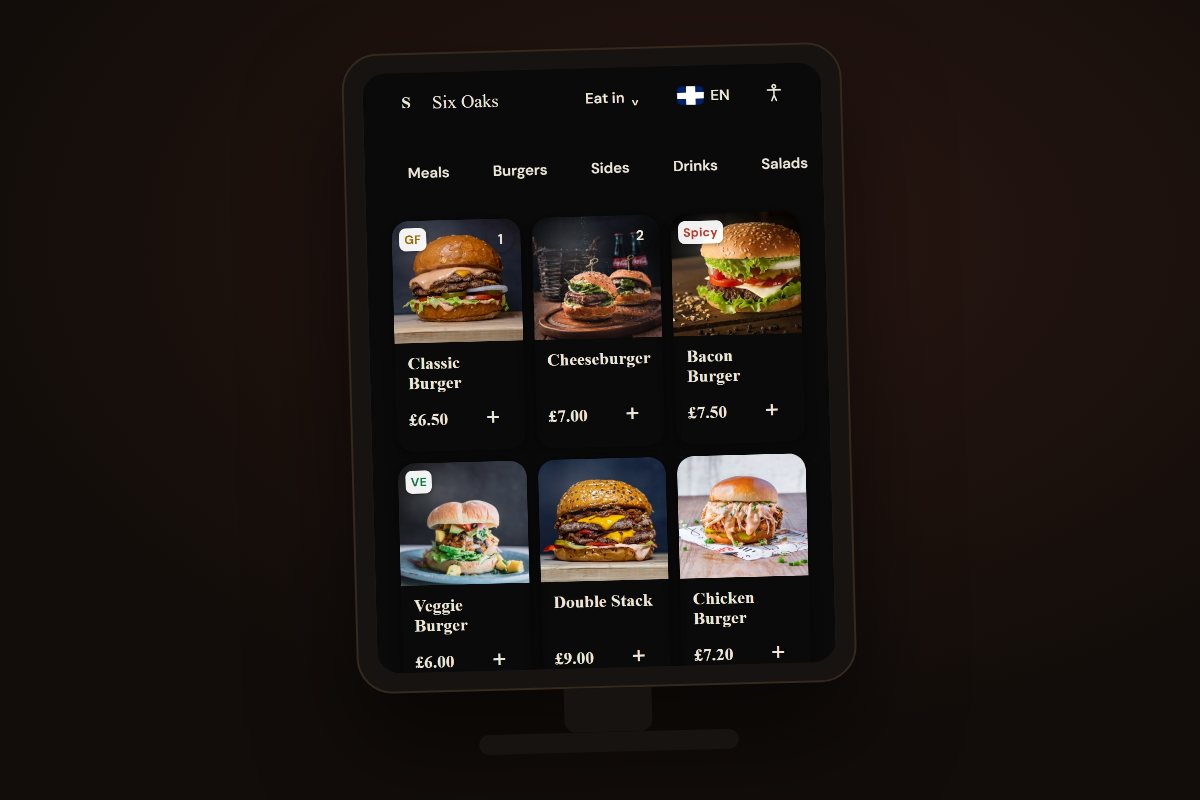
A kiosk that sells while you serve.
Runs standalone - no POS, no kitchen required. Customers add, pay and walk away with a receipt.
Change a price once - live on every screen.
Pick a business type up top and the kiosk re-skins to that venue's theme preset - fonts, colours and all.
Behind the counter
From "send order" to "now serving" - on your screens
Every order - table, kiosk, online - lands on one hub. Fire it to the kitchen display, bump it when it is plated, and the collection screen calls the guest. No more shouting ticket numbers.
The hub comes with Catalogue Pro; screens come free with Ordering or Self-checkout. No per-screen fees - pair your own tablets and TVs.
Who it's for
Built for how you serve
Pick your kind of counter. Each setup below is the combination venues like yours actually run - what it fixes, what it costs, and the first step.
Cafes & coffee shops
The queue at the counter is the bottleneck - and the person making coffee is also taking orders.
A photographed menu customers browse in the queue, a kiosk that takes the order and the card, and a screen that calls them when it is ready.
Catalogue free - Pro from £9 a month billed annually · kiosk £49 per unit · screens included
Try the live cafe demoRestaurants & pubs
One server short every shift, and guests wait twice - once to order, once to pay.
Guests order and pay from the table; tickets fire to the kitchen screen; the bill stays open on the till. No commission per order.
Ordering £19 a month flat · no per-order commission · screens included
See order-to-kitchen in actionBars & taprooms
Every round means a trip to the bar - and at peak, people give up before they order.
Order the next round from the table; drinks tickets route to the bar screen, food fires to the kitchen.
Ordering £19 a month flat · screens included
Try the live demoShops & retail
No website, no time to build one - and Shopify is a part-time job you did not ask for.
A photographed catalogue customers browse from a QR code or your own domain - live in a day, no developer. Add click-and-collect when you are ready.
Catalogue free to start · add ordering from £19 a month
Browse the live shop demoTakeaways & delis
Marketplace apps take 20-30% of every order, and the phone never stops at lunchtime.
Collection orders from your own site at a flat monthly price - no commission - straight onto the orders board and the kitchen screen.
Ordering £19 a month flat · keep every penny of the order
See the collection flowGroups & multi-site
Three sites means three tills, three menus drifting apart, and no single view of orders.
One admin for every venue: push a menu change to all sites at once, and watch every order from every channel on one hub.
Priced per venue · one account, one bill · book a demo for group pricing
Book a group walkthroughGetting started
Three ways to launch
Start however suits your shop - no integration required, and nothing locked in.
Standalone
Upload or build a menu. No POS needed.
CSV import
Bring your existing catalogue from a spreadsheet. Switch from Square, Toast or Lightspeed in minutes.
Connect your till
Native EposNow sync today: stock, prices and kitchen-fire. More tills on the roadmap.
...more integrations coming.
Get started
Live by this afternoon.
Start with a free QR menu we set up with you, or book a 20-minute walkthrough of the whole platform.
Payments
Take payment your way
Use your own PSP
Funds go straight to you - pay the module licences, billed annually for the best rate or monthly to stay rolling.
VenueDeck payments
No monthly software fees and no term - 20p + 3% per transaction.
Hardware is excluded from the per-transaction track; final rates confirmed at your demo.
Do not ask 'what does the software cost?' Ask 'what is card processing costing me, and who gets richer when I sell more?'
‘Free’ POS is paid for through their card rates. VenueDeck is the other way round: a flat licence and your own negotiated rate - or 20p + 3% per order with no licence at all.
The hidden line items
What standing still costs you
Every line below is a cost you are likely carrying today. VenueDeck is built to remove or shrink it. Figures are illustrative, drawn from common UK ranges - your demo confirms the real ones.
Start on devices you already own
No tills to buy, no terminals, no installation day. Upload your menu or import a CSV and you are live on the devices you already own - and every price change is instant, so reprints simply stop.
£200-£600 per reprintillustrativeMove staff off the till, onto the floor
The self-checkout kiosk runs the order-and-pay flow so your team can work where they earn - running food, turning tables, looking after guests. Industry reports suggest kiosks lift average order value by ~10-30%, which is how the hardware pays for itself.
~10-30% AOV upliftindustry reportsStop renting your margin
The big delivery apps can cost 15-35% per order once VAT-on-commission and clawbacks are counted. Take orders on your own branded VenueDeck storefront and you keep the ticket - florists swap wire-service commission for a flat, predictable cost the same way.
15-35% commissionillustrativeRun the numbers
See what you could keep
Slide your own figures in. Nothing is sent anywhere - it is a back-of-envelope sketch to show the shape of the savings, not a quote.
Illustrative - your demo gives exact figuresThese are illustrative. Prefer no monthly software fees? VenueDeck payments runs at 20p + 3% per transaction instead - book a demo and we'll model your actual numbers either way.
Book a demo →Proof
Built to fit how you already work
Your data stays yours
Built so each venue's data is walled off and handled carefully - security is a feature, not an add-on.
Pricing
Pricing that matches how you trade
Catalogue Free
£0 One venue, up to 100 products. Your menu with photos and prices at a QR code, with a small "Powered by VenueDeck" badge. No fees.Catalogue Pro
£12/mo annual£9/mo effective billed annually (£108/yr)unlimited products, your branding, badge off, more venues, and the consolidated orders dashboardOrdering
+£19/mo annualorder at the table and pay in app - one module, every channelSelf-Checkout Kiosk
£49/kiosk/mo annualflat per kiosk · hardware is a one-off purchase, finance availableWebsite
+£49/mo annualAI content assist includeda hosted website with your live menu and ordering, on your own domainScreens & Kitchen Printing
Included KDS, collection and order screens plus kitchen printing - free with Ordering or Self-checkout (fair use: 5 screens + 2 printers per venue)Every paid plan starts with a 14-day free trial - cancel anytime, and monthly plans roll month to month. Annual billing gives you 2 months free. Self-checkout: kiosk hardware is a one-off purchase (finance available) plus the per-kiosk licence - the exact model is priced at your demo. Prefer no monthly software fees? VenueDeck payments charges per order instead of a licence - rates confirmed at your demo. Screens and kitchen printing are included with Ordering or Self-checkout, and the orders dashboard comes with Catalogue Pro. AI images: a monthly allowance, then credit packs from £5 that never expire. Running two or more sites? One account, one consolidated bill, priced per venue - ask about group pricing at your demo. Prices exclude VAT. If you ever downgrade, your menu stays online and your data stays yours.
Questions
Frequently asked
Do I need a POS to use VenueDeck?
I use Square, Lightspeed or another till - can I still use VenueDeck?
Are you an EposNow partner?
Can I take card payments?
Can customers still pay cash?
Does it work offline?
How long does setup take?
Can I switch from Square, Toast or Lightspeed?
What does the free QR menu include?
Can I show allergen and dietary information on the menu?
Do you support click and collect?
Do you support items sold by weight, or print shelf-edge labels?
Do my customers need to download an app?
Can I run multiple locations?
How fast do price and stock changes go live?
Can I have the menu on my own website?
Can I use my own domain?
Can VenueDeck build my website for me?
What hardware do I need for the kiosk?
Am I locked in?
Who owns my menu data?
Is it GDPR compliant?
Get started
Start free today, or book a walkthrough.
Tell us a little about your business. We'll set up your free menu or a 20-minute demo - most venues hear back the same day.